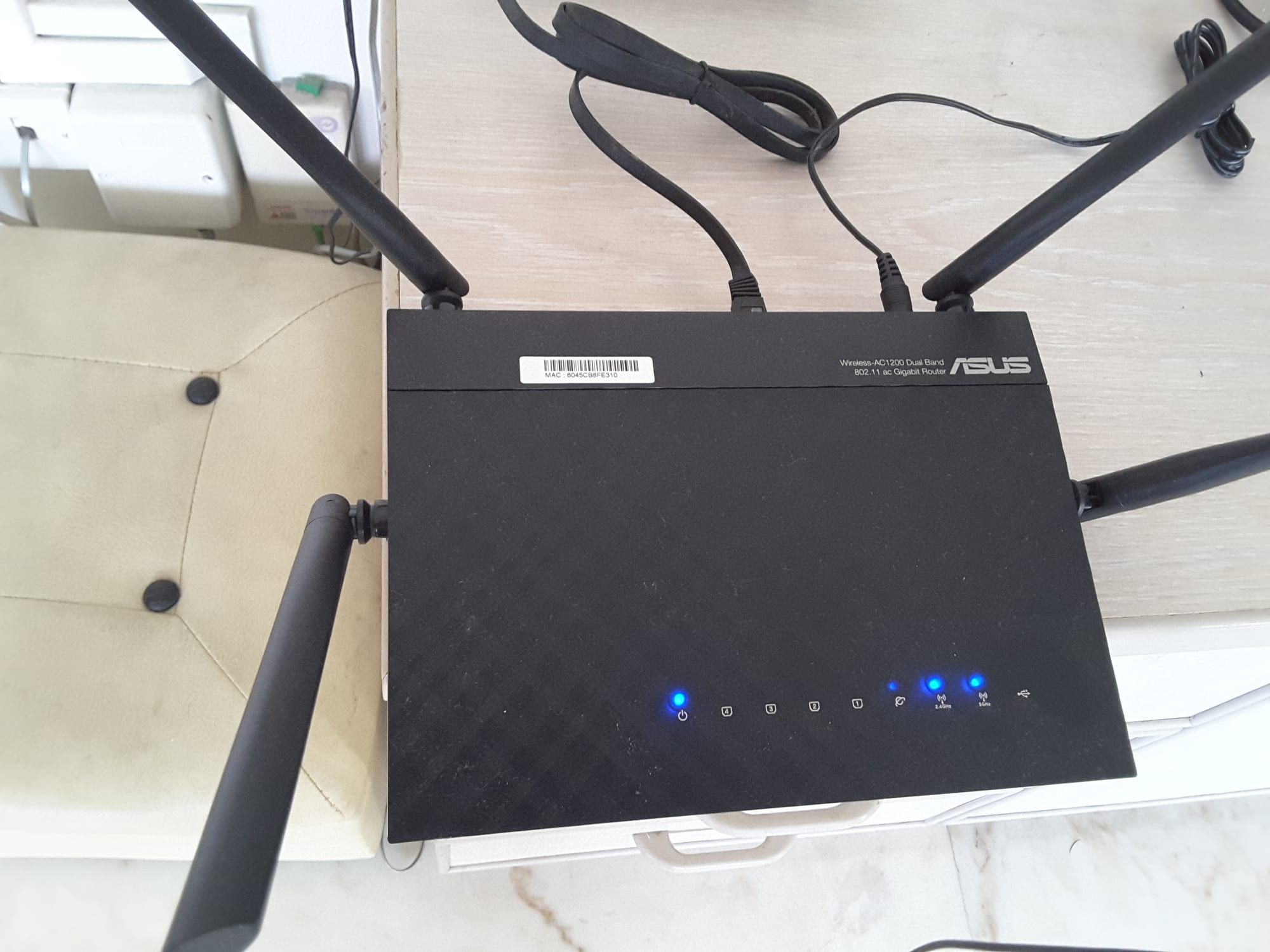
Wi-Fi 7 is the latest Wi-Fi standard, formally IEEE 802.11be, and it matters most if you have a fast internet connection, a crowded home network and devices that already support it. It will not make a slow internet plan faster, and your old devices will not suddenly gain speed. But the improvements in capacity and reliability are real, and Wi-Fi 7 mesh systems such as the TP-Link Deco BE63, the eero Pro 7 and the NETGEAR Orbi 770 are now mainstream.
What is Wi-Fi 7?
Wi-Fi 7 is the generation after Wi-Fi 6 and 6E. It keeps the same 2.4GHz, 5GHz and 6GHz bands as Wi-Fi 6E, but changes how data moves across them. The headline features are wider channels, denser modulation and the ability to use several bands at once.
| Wi-Fi 5 | Wi-Fi 6 / 6E | Wi-Fi 7 | |
|---|---|---|---|
| Standard | 802.11ac | 802.11ax | 802.11be |
| Bands | 5GHz | 2.4, 5 (and 6 on 6E) | 2.4, 5, 6GHz |
| Maximum channel width | 160MHz | 160MHz | 320MHz |
| Modulation | 256-QAM | 1024-QAM | 4096-QAM |
| Multi-band use | No | No | Multi-Link Operation |
| Theoretical maximum | About 6.9 Gbps | About 9.6 Gbps | About 46 Gbps |
Those theoretical maximums are lab figures. In a home, your speed is limited by your internet plan, the device in your hand and the walls between you and the router.
What actually changes?
Wider channels
A Wi-Fi channel is like a lane on a motorway. Wi-Fi 7 doubles the widest lane from 160MHz to 320MHz on the 6GHz band, which can carry far more data when the airwaves are clear. Wider channels need free spectrum, so they work best in homes where the 6GHz band is not crowded.
Denser modulation
4096-QAM packs 12 bits into every signal symbol, against 10 bits for Wi-Fi 6, which is a gain of about 20 percent in theory. In practice it only works at close range with a strong signal.
Multi-Link Operation
Multi-Link Operation, or MLO, lets a device use more than one band at the same time. It can combine bands for more speed or hop to the clearest one for lower delay and better reliability. This is the feature most likely to be felt in everyday use, because it smooths out the stalls caused by interference.
Better handling of busy networks
Wi-Fi 7 includes improvements for sharing airtime efficiently, so a crowded household with phones, laptops, TVs and smart-home devices runs more smoothly.
Note
Wi-Fi 7 devices need both a Wi-Fi 7 router and a Wi-Fi 7 client to use these features. An older phone connected to a new router still works, but at its own generation’s speeds.
Do you need Wi-Fi 7?
It depends on your situation. The table summarises who benefits.
| Your situation | Worth upgrading? |
|---|---|
| Gigabit or multi-gig internet and Wi-Fi 7 devices | Yes |
| Many devices and heavy streaming or gaming | Likely |
| Good Wi-Fi 6 router, slower internet plan | Probably not yet |
| Old Wi-Fi 5 router and a growing household | Yes, and Wi-Fi 6 would also help |
| Very large or multi-storey home with dead spots | Yes, as part of a mesh upgrade |
If you are replacing a router anyway, buying Wi-Fi 7 future-proofs you for the devices you will buy over the next few years. If your current network works well, there is no urgency.
What you need to use it
- A Wi-Fi 7 router or mesh. Examples include the Deco BE63, eero Pro 7 and Orbi 770.
- Wi-Fi 7 client devices. Recent flagship phones and laptops include it. Older devices will connect but at their own generation’s speeds.
- A good internet plan and modem. Wi-Fi 7 cannot exceed your plan’s speed. If you pay for a gigabit connection or more, check that the router’s WAN port can handle it.
- A good layout. Wired backhaul between mesh units, where practical, improves speeds and reliability.
Three Wi-Fi 7 mesh systems
TP-Link Deco BE63
A tri-band Wi-Fi 7 (BE10000) mesh system with four 2.5 Gbps ports per unit and optional Ethernet backhaul.
The TP-Link Deco BE63 is a tri-band BE10000 system, with 5,188 Mbps on 6GHz, 4,324 Mbps on 5GHz and 574 Mbps on 2.4GHz. Each unit has four 2.5 Gbps ports, wired backhaul is optional, and a two-pack is rated to cover up to 5,800 sq ft. It supports MLO and uses the Deco app, though advanced HomeShield features need a subscription.
eero Pro 7
Amazon's tri-band Wi-Fi 7 mesh system with multi-gig ports and simple app-based setup.
The eero Pro 7 is Amazon’s tri-band Wi-Fi 7 mesh with multi-gig ports and straightforward app-based setup. Reviewers have called it a smarter choice for most homes than the larger eero Max 7. Some features need a paid eero Plus subscription.
The NETGEAR Orbi 770 is NETGEAR’s tri-band Wi-Fi 7 mesh and is designed for larger homes. Some advanced security features need a subscription.
Prices vary with unit count and retailer promotions, so check current listings.
What about range and walls?
Faster bands have a cost. The 6GHz band, where Wi-Fi 7 gets its widest channels, carries a great deal of data but is absorbed more by walls and floors than 5GHz or 2.4GHz. In practice this means the headline speeds appear in the same room or the next one, while distant rooms fall back to 5GHz or 2.4GHz. This is one reason mesh systems matter. Several units spread around the home keep a strong, fast signal close to every device.
The 2.4GHz band is slower but travels furthest, so it remains useful for smart-home gadgets, cameras and anything far from the router. A good Wi-Fi 7 system chooses the right band for each device automatically.
How Multi-Link Operation works in practice
MLO is easiest to understand through examples:
- A laptop on a video call. If one band suffers interference, the connection can use another at the same time instead of stalling, which reduces dropouts.
- A large file download. Two bands can carry data in parallel for higher throughput.
- A game console. Delay can drop because packets take whichever link is clearest.
MLO needs support on both the router and the device. Different products implement it in different ways, so results vary between brands and models.
Security and Wi-Fi 7
Wi-Fi 7 certification requires WPA3, the current security standard, so a Wi-Fi 7 router moves your network onto stronger encryption by default. Make sure your router firmware is up to date, use a long, unique password, and consider a separate guest network for visitors and smart-home devices.
Tip
Turn on automatic firmware updates in your router’s app. Many router attacks target outdated software, and updates are the cheapest protection you have.
Buying checklist
Before you buy a Wi-Fi 7 router or mesh, run through this list:
- Check the real bands. Tri-band systems have a dedicated backhaul band for mesh traffic, which matters in larger homes.
- Look at the ports. If you have gigabit or faster internet, a 2.5 Gbps WAN port avoids a bottleneck. Extra Ethernet ports let you connect a desktop, console or network storage.
- Check wired backhaul support. Connecting mesh nodes with Ethernet usually gives the best performance.
- Read the subscription terms. Some brands put malware blocking, advanced parental controls or detailed analytics behind a monthly fee.
- Check app and account requirements. Some systems need a cloud account to set up.
- Count the units you need. Homes up to a few thousand square feet may need two units, and bigger or multi-storey homes more.
Speeds you can really expect
Marketing numbers combine all bands, but each device connects to one band, or two with MLO. A Wi-Fi 7 phone close to the router on 6GHz can reach very high speeds on a good day, though an internet plan of 1 Gbps or less will cap what you see from the web. Where Wi-Fi 7 helps more is local transfers, such as copying files to network storage, and consistency when many devices are active. Expect real-world gains to be smaller than the label, and judge a system by its coverage and reliability as much as its peak speed.
Wi-Fi 6E and Wi-Fi 7: the difference in one minute
Wi-Fi 6E opened the 6GHz band to Wi-Fi 6 devices. Wi-Fi 7 uses the same band but adds wider channels, denser modulation and MLO. If you already own a good Wi-Fi 6E router, the upgrade is a refinement and not a revolution, so it is mainly worthwhile when you have Wi-Fi 7 devices and a fast plan.
When to wait
Waiting makes sense if your current router is only a couple of years old and works well, if you do not own any Wi-Fi 7 devices yet, or if your internet plan is far slower than your Wi-Fi. Prices on Wi-Fi 7 systems are also still settling, so patient buyers often find a better deal during retail sales.
Common myths
- “Wi-Fi 7 will double my speed.” Only if your plan, device and environment can use it.
- “BE10000 means 10 Gbps.” It is the sum of the bands’ maximum rates, and no device sees the total.
- “I need to replace every device.” Older devices keep working. They simply do not gain Wi-Fi 7 features.
- “More antennas always means better Wi-Fi.” Placement and backhaul usually matter more.
What this means for you
If you are buying a new router in 2026, choosing Wi-Fi 7 is sensible, especially in a mesh. If you already have a stable Wi-Fi 6 network and a plan under about 500 Mbps, waiting costs you little. In either case, the biggest improvement most homes can make is placing the router centrally and, where possible, connecting mesh units by Ethernet.